
A Practical Guide to Removing Hardcoded Subtitles Without Ruining the Footage
A slow job can delay one production step. A poorly cleaned batch can compromise every edit, language version, and release that depends on it.
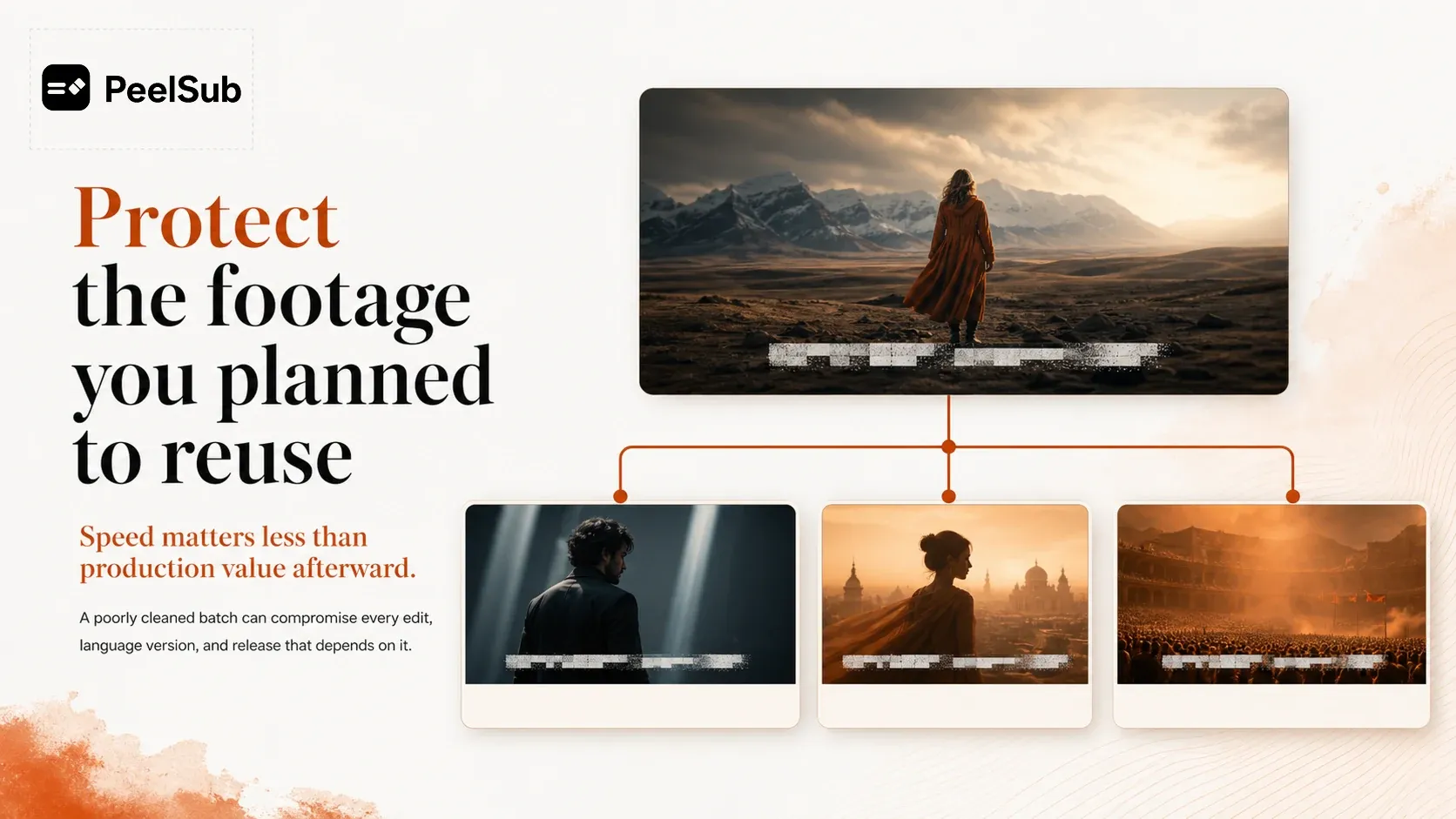
Burned-in subtitle removal often sits near the beginning of a larger workflow. The same video may later be translated, dubbed, recut, resized, or republished. When removal leaves a permanent blur, block, or unstable patch, the problem travels into every one of those versions.
That makes image preservation more important than a headline processing speed. The question is not how quickly the old words disappeared. It is whether the footage still has production value afterward.
A damaged subtitle region becomes a downstream constraint
Vertical dramas and mobile-first videos have little spare screen space. Subtitles often overlap clothing, gestures, props, and facial detail. If the entire lower region is softened or covered, editors lose visual information they cannot recover later.
New subtitles can make that damage more obvious. Crisp typography placed over a permanently blurred strip creates a visible difference in image quality. Camera movement makes the patch shift against the surrounding frame. A localized version may technically be complete while still looking roughly repaired.
The true cost is not the treatment itself. It is the loss of reusable footage.
Masking and blurring replace one problem with another
A mask can hide text. Blur can weaken letter shapes. Both may be reasonable for a small number of simple shots where the background is stable and the final use is limited.
They become risky as a batch method because they operate on an area, not on the actual subtitle shapes. The surrounding picture is altered along with the words. When subjects move through that area, edges can disappear, textures can break, and clarity can change abruptly.
This does not mean every clip requires the same level of work. It means the method and acceptance standard should be chosen from representative footage rather than assumed from the easiest frame.
Evaluate motion, not just screenshots
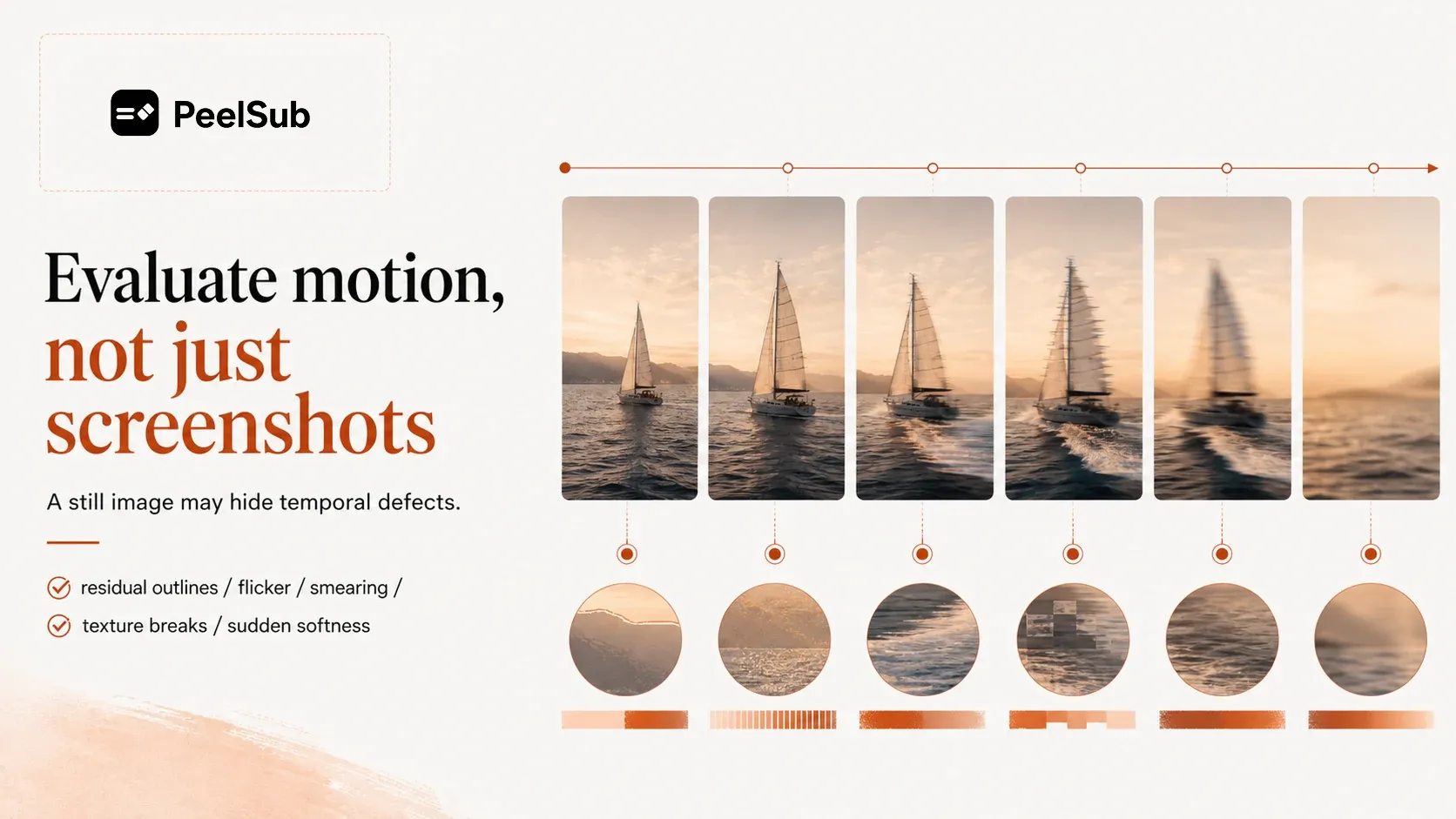
Before approving a large batch, review samples that include movement and difficult overlap. During playback, check for:
• residual letters or outlines
• flicker between adjacent frames
• smearing, ghosting, or texture discontinuity
• sudden softness when a subject crosses the subtitle area
• results that limit the placement of new captions
A still image may hide temporal defects. Normal playback reveals whether the repair remains believable as the scene changes.
PeelSub treats subtitle removal as a deliverable
PeelSub is a managed batch service for removing burned-in subtitles and repairing the affected area of the frame. It is intended for teams that only have subtitled finished videos and need usable versions for further editing or localization.

Representative clips are used to understand subtitle size, position, motion, occlusion, effects, cuts, and source quality. The team can then agree on the treatment scope and acceptance criteria before the full batch moves forward.
Processed videos are organized against their source files, with exceptions documented. The goal is not an abstract promise of flawless restoration. It is a reviewable batch that preserves as much downstream value as the source and agreed scope allow.
Compare results by what they enable next
When evaluating a subtitle-removal option, ask whether the cleaned footage can support the actual next step: a new subtitle layout, a localized release, a new edit, or an archive master.
If your videos contain burned-in subtitles and will be reused across multiple outputs, provide representative clips, batch size, subtitle placement, difficult scene types, and intended use. PeelSub can assess the visual risks and propose a batch delivery scope.
Learn more about PeelSub
Visit the website: PeelSub official website
Submit your subtitle removal project: Contact us