Hard subtitle removal
Remove subtitles that are burned into the image and cannot be turned off during playback.

Remove burned-in subtitles across video batches for continued editing, translation, or subtitle replacement
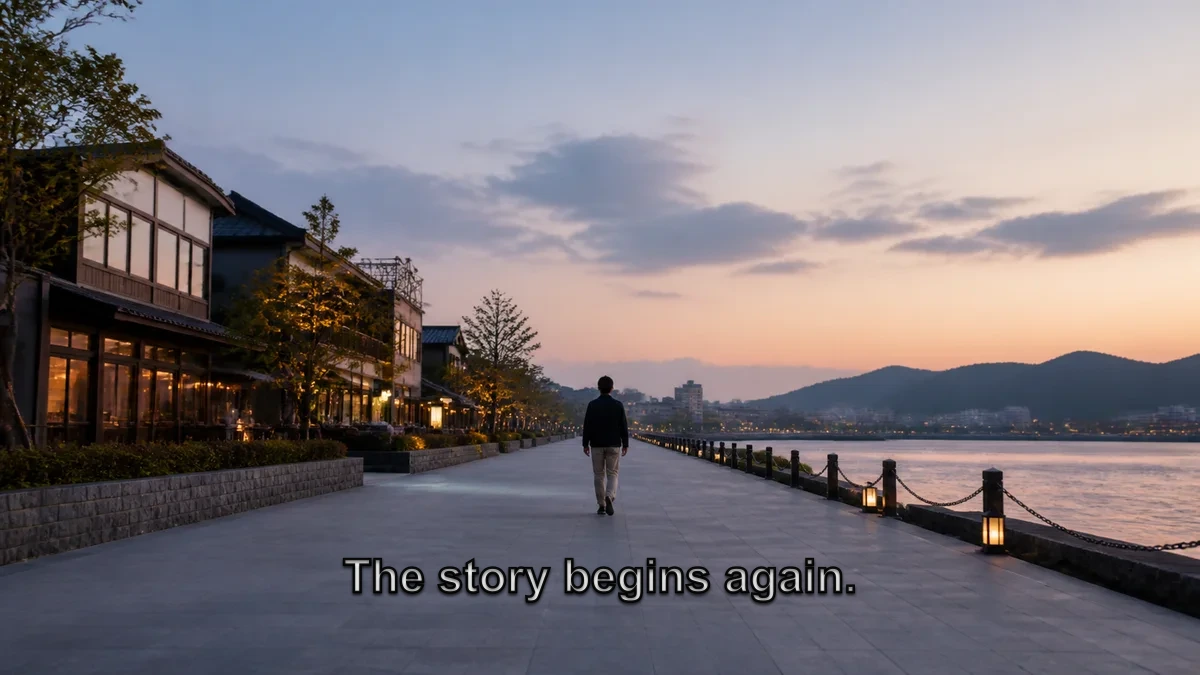
Compare the same representative frame with and without burned-in subtitles. This is an illustrative example; results vary by footage

Process a video batch to one agreed scope, retain source audio by default, and map every result to its source file
Remove subtitles that are burned into the image and cannot be turned off during playback.
Retain the source video audio by default.
Keep the base filename for each result to simplify review and continued production.
Review representative footage before confirming the full-batch scope and acceptance criteria, reducing one-by-one trial and file organization
Review representative footage and confirm the processing scope before starting the full batch.
Check the confirmed scope for missed or incorrect handling and file mapping.
Each source video maps to one processed result with the same base filename.
Fixed subtitles over continuous backgrounds are generally more stable, while moving subjects, effects, and scene cuts require sample review
Fixed subtitles over continuous, relatively simple backgrounds are better suited to batch processing.
Subtitles covering people, effects, or scene cuts require representative-footage review first.
After you share the batch details, we confirm material handoff, processing scope, fees, schedule, and acceptance criteria
Share the video count, total duration, subtitle position, and intended next use.
After an initial scope review, confirm the material handoff method and inspect representative footage.
Process the confirmed batch and check for missed or incorrect handling and file mapping.
Receive the organized results and review them against the confirmed scope.
Prepare subtitle-free versions for multilingual localization, course updates, content re-editing, and multi-platform distribution
Prepare versions without the original burned-in subtitles for later translation and new target-language subtitles.
Replace burned-in subtitles that are outdated or need to be recreated.
Prepare reusable videos for re-editing, repackaging, and multi-platform distribution.
Understand the service scope, processing conditions, and material handoff
Hard subtitles are permanently embedded in the video image and cannot be turned off during playback. Switchable subtitle tracks are not hard subtitles.
Source video audio is retained by default, and the exact delivery scope is confirmed before processing begins.
Fixed subtitle areas over continuous, simple backgrounds usually produce more natural results. Footage with moving subjects, effects, or scene cuts requires representative review because results vary by material.
An organized set of processed videos. Each source video maps to one result, and the source audio is retained by default.
Schedule and fees depend on video count, total duration, subtitle position, and visual complexity, and are confirmed before processing begins.
The website form does not accept videos or media links. We first review the batch scope, then confirm the material handoff method separately.
Tell us the video count, total duration, subtitle position, and representative footage without uploading videos through the form